AI Diagrams & Drawings
Instantly convert rough sketches, photos, or natural language descriptions into professional, editable patent-style drawings or structured diagrams.
Core Capabilities
Harness the power of Large Language Models to generate, recreate, and iterate on editable diagrams.
Text-to-Diagrams
Generate fully editable diagrams from natural language descriptions. Just type "Create a microservices with 3 services: API Gateway, User, and Payment Service." and watch it build.
Image-to-Diagrams
Analyze an image of an existing diagram (like a hand-drawn sketch or a screenshot) and recreate it as a clean, editable format.
Iterative Editing
Modify existing files with language commands. Need adjustments? Tell the AI to "Translate to Chinese, change font size to 14 or add a database node" based on your base diagram.
AI Diagrams & Drawings Generations
Generate editable diagrams and patent-style figures from text or images. Refine your ideas with ease.
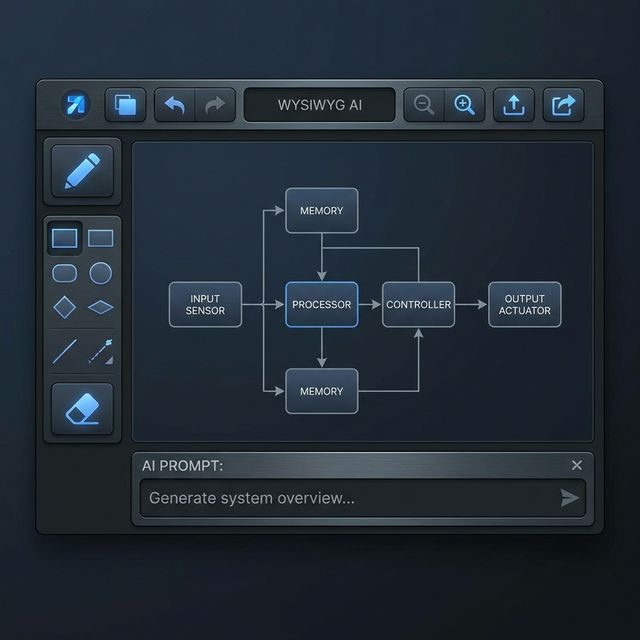
WYSIWYG Diagrams Editor
Live-edit generated diagrams by visually adding, removing or moving nodes, adjusting spacing, and renaming elements directly on a responsive canvas.
Sketch Digitization & Image Conversion
Copy and paste screenshots, trace an image on screen, or upload a rough sketch on paper. Let AI helps to convert your inputs into clean, editable drawings.
Built-In Precision Tools
Utilize Pencil, Eraser, Trace, and Shapes tools to manually clean up artifacts, refine curves, and adjust details step-by-step.
Black & White to Vector (SVG) Export
Transform colored images into standard monochrome patent sketches with an adjustable threshold, and export to scalable SVG format for premium patent applications.
Intelligent Labeling & Description
Keep track of technical drawings with smart labeling and description generation.
Smart Figure Numbering & Reordering
Assign figure numbers visually. Drag-and-drop to reorder images, and the figure numbers and associated label numbers will update automatically across the platform.
Visual Label Editor
Attach descriptive text labels with customizable pointer lines to specific elements of your generated diagram or drawing.
Auto-Describe Labels
Click a button to let the AI automatically generate textual descriptions for labels on a figure, ready for review and editing.
Detailed Image Descriptions
Instantly generate a written description based on the drawing and its labels.

Sample Diagram Types
Generate and edit a wide variety of structured diagrams.
Ready to digitize your ideas?
Experience the fastest way to turn sketches and text into professional technical diagrams.